The Blog
Practical advice for planning shifts, managing signups, tracking attendance, and running events well.
Want to see the product? Start with AI rostering. Need a how-to? Start with the Knowledge Base, then see the volunteer signup flow and QR check-in and checkout.
More from the blog · Page 3 of 9
How Much Water Does AI Scheduling Use? Not a Gallon
Google estimated 0.26 ml of cooling water per median Gemini Apps text prompt in May 2025. At that rate, a gallon is about 14,600 prompts. The research and scheduling example, inside.
Read Article
13 min read
How to add a volunteer waiver form to event signup
Add your organization's volunteer waiver PDF to event signup. Require acknowledgment, keep the accepted version, and review who completed it in Proximatic.
Read Article
5 min read
Scheduling a multi-day event by hand? Check each person’s workload
Review each worker’s scheduled hours across a multi-day event in Proximatic. Use Workload and Whole series to catch heavy commitments when assigning shifts manually.
Read Article
5 min read
Add volunteer shifts to Google Calendar, Outlook and Apple Calendar
Subscribe to your Proximatic shifts from your profile. Add them to Google Calendar, Outlook or Apple Calendar, and get schedule changes when your calendar refreshes.
Read Article
4 min read
Can AI Create a Volunteer Schedule? See How It Works
See Proximatic turn an event description into shifts and assignments, use a visual staffing rule, and fill a pantry dinner gap. Pro can collect availability by email.
Read Article
5 min read
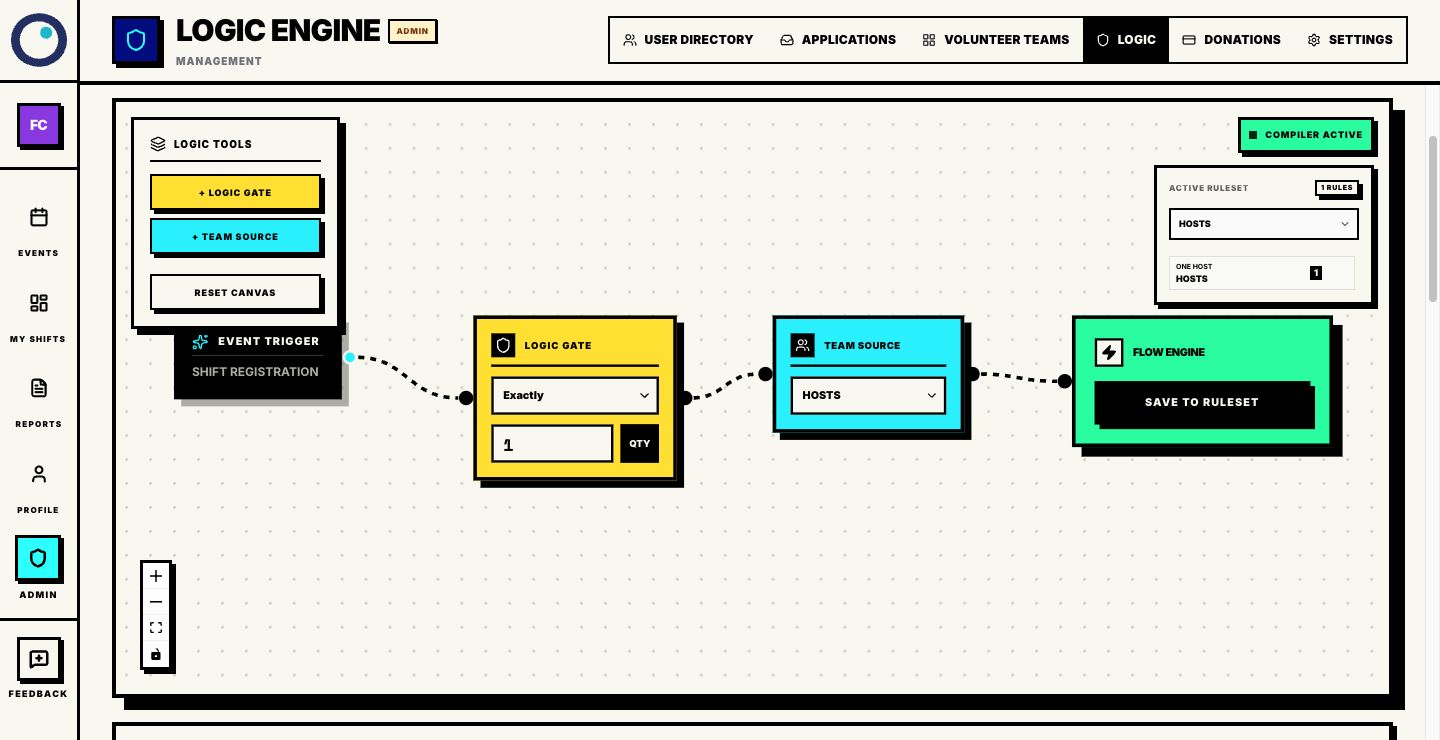
Fair Volunteer Scheduling: Rules Your Team Can Understand
Build fair volunteer schedules with clear roles, agreed availability and consistent rules. Let Proximatic make the assignments, then review hours and exceptions.
Read Article
4 min read