Describe the event.
Get a staffed roster.
Proximatic turns an event brief into a working event and roster, with signups and attendance connected.
Review it. Then put it to work.
- Proximatic
- Review the proposed people, teams, availability and roster. Approve changes, then confirm publishing and each email send. Billing and payment setup stay in the web app.
- Web AI setup
- In the web app, Create starts with an event brief. Proximatic uses people already set up in your organization; it does not import a people list from that box. Complete any required billing, review the plan, then confirm the draft and assignments.
- Direct Auto-Schedule
- A successful run replaces saved assignments immediately. A blocked or unsuccessful run leaves them unchanged.
AI setup instructions · Direct scheduling instructions
Proximatic must be connected and signed in to your organization as an owner or admin. Public setup for external AI clients is not yet verified. Participants still complete their own signup and attendance steps.
Rostering & Coverage
Turn messy notes into a roster
Proximatic can take event details, people or emails, shifts, teams, availability and supported rules in one message. It prepares the setup and schedules eligible people for your review. See who is assigned and which places still need help. Full coverage and equal workloads are not guaranteed.
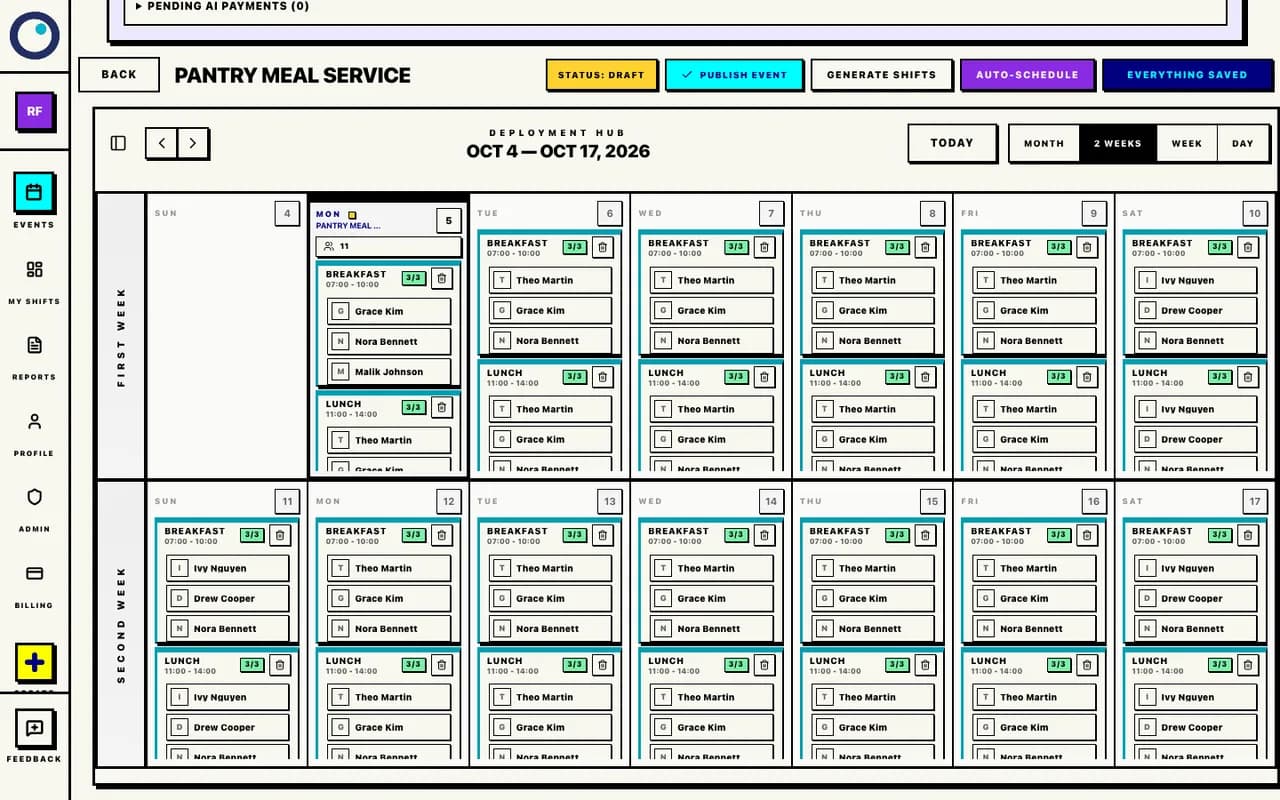
Participant Experience
Clarity & Control
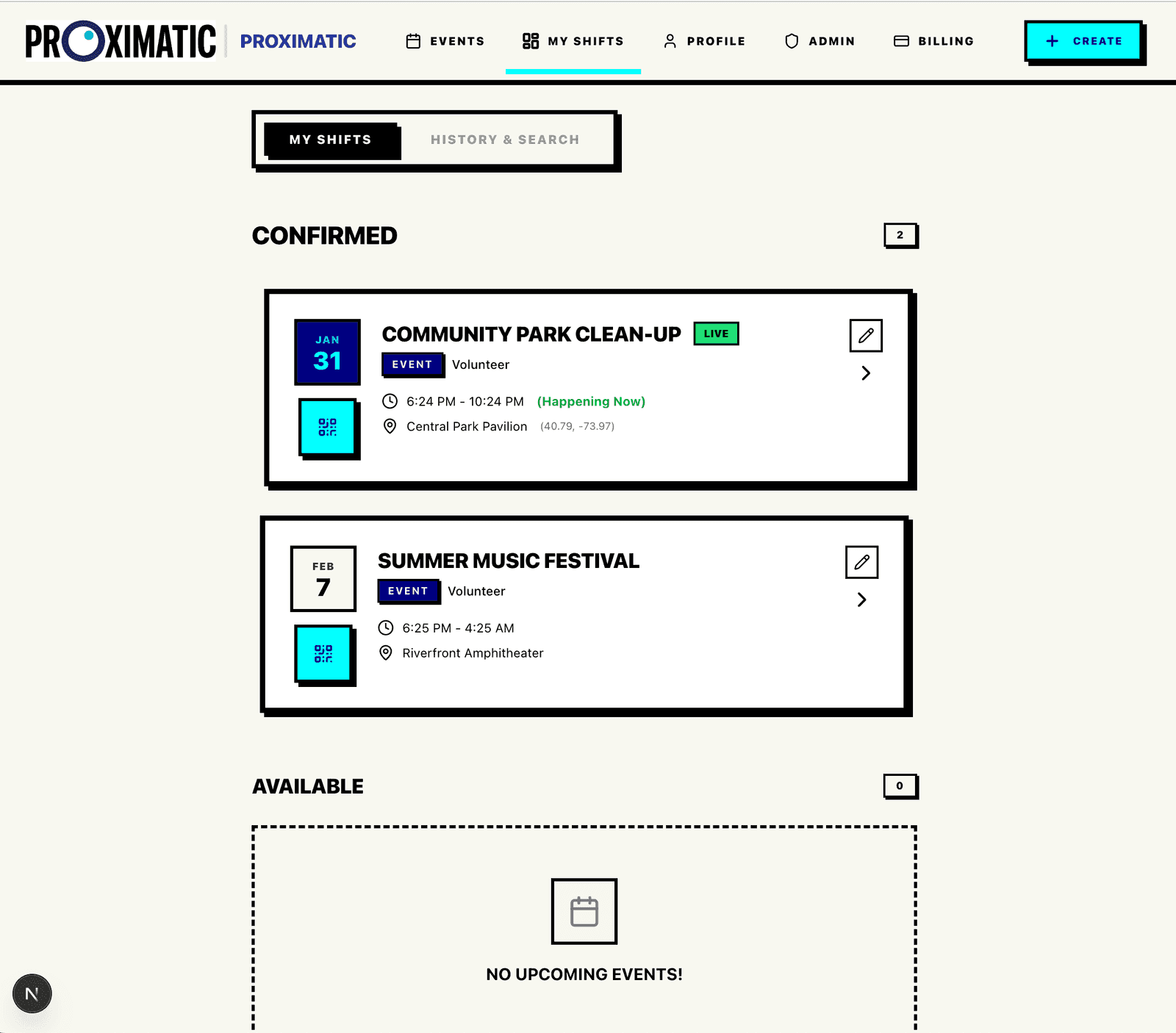
Give people a place to see their confirmed shifts, where to meet, and their recorded attendance.
Organizer Tools
Your People & Events
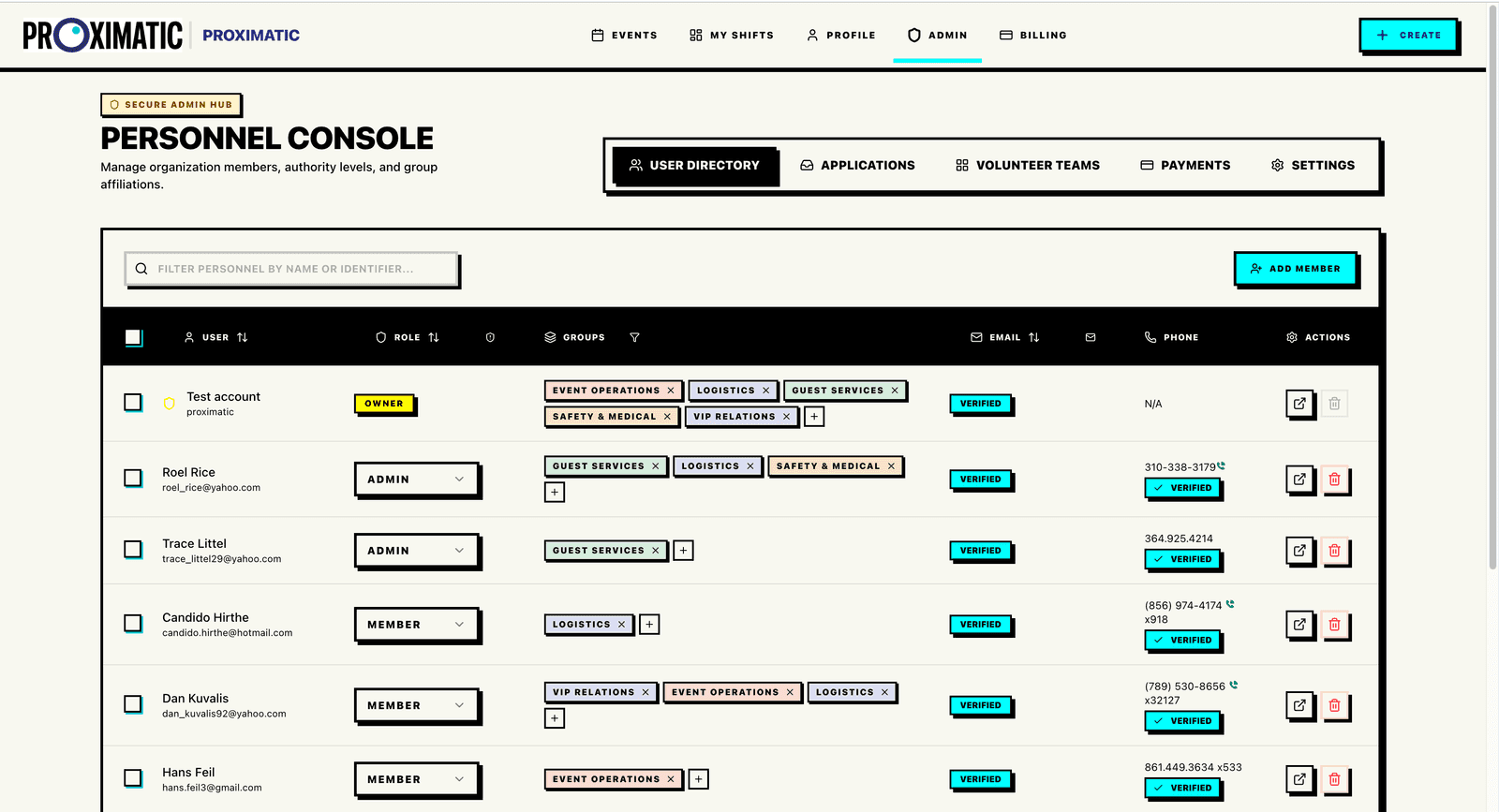
Manage your members and who can access each event. Review requests to join and plan events with your team.
Public Event Pages
One Link to Share
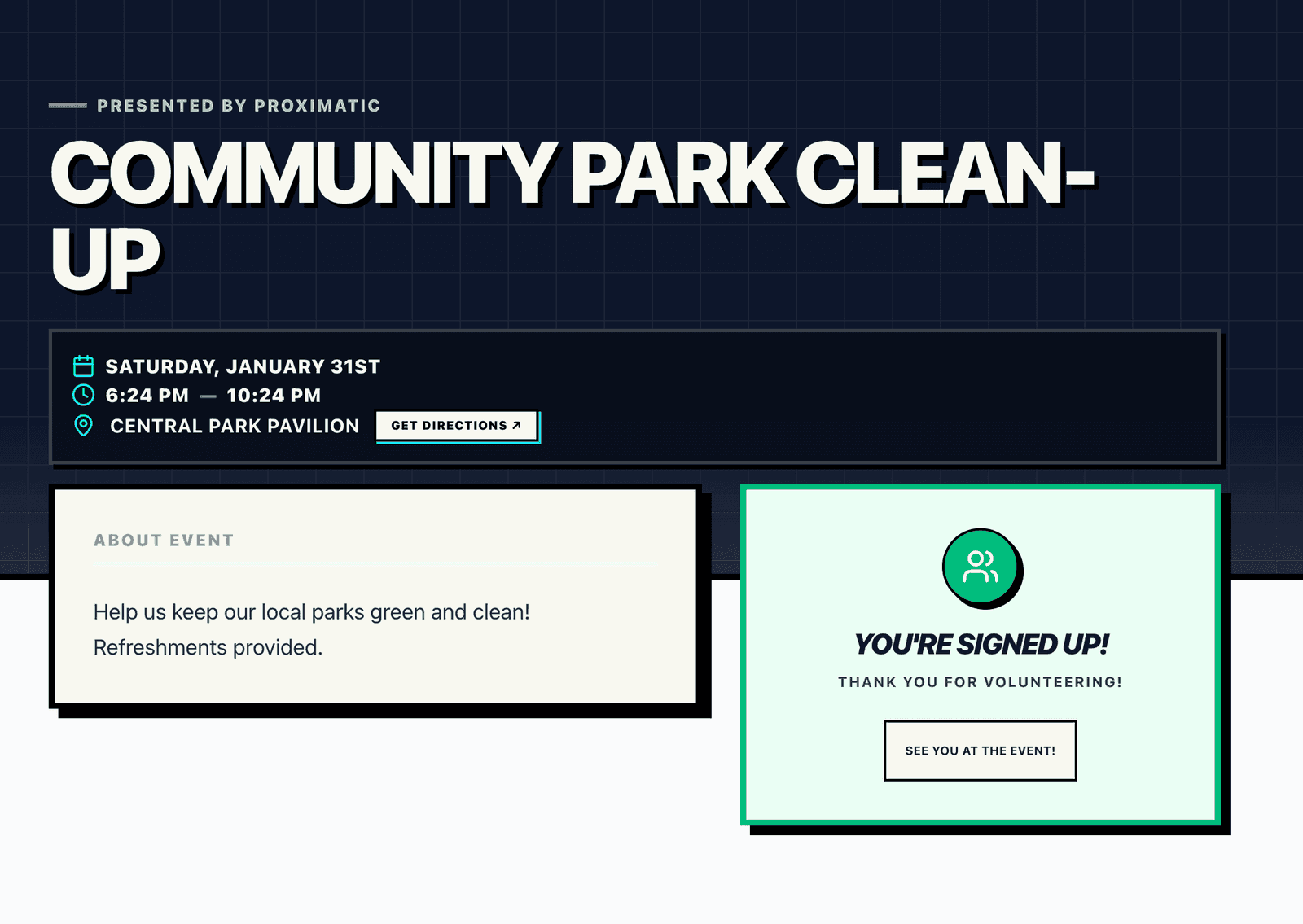
Share the date, place, and available roles on one event page. People review the details, choose a role, then create or sign into a Proximatic account to confirm an available place.
On-Site Kiosk
Connected to the roster
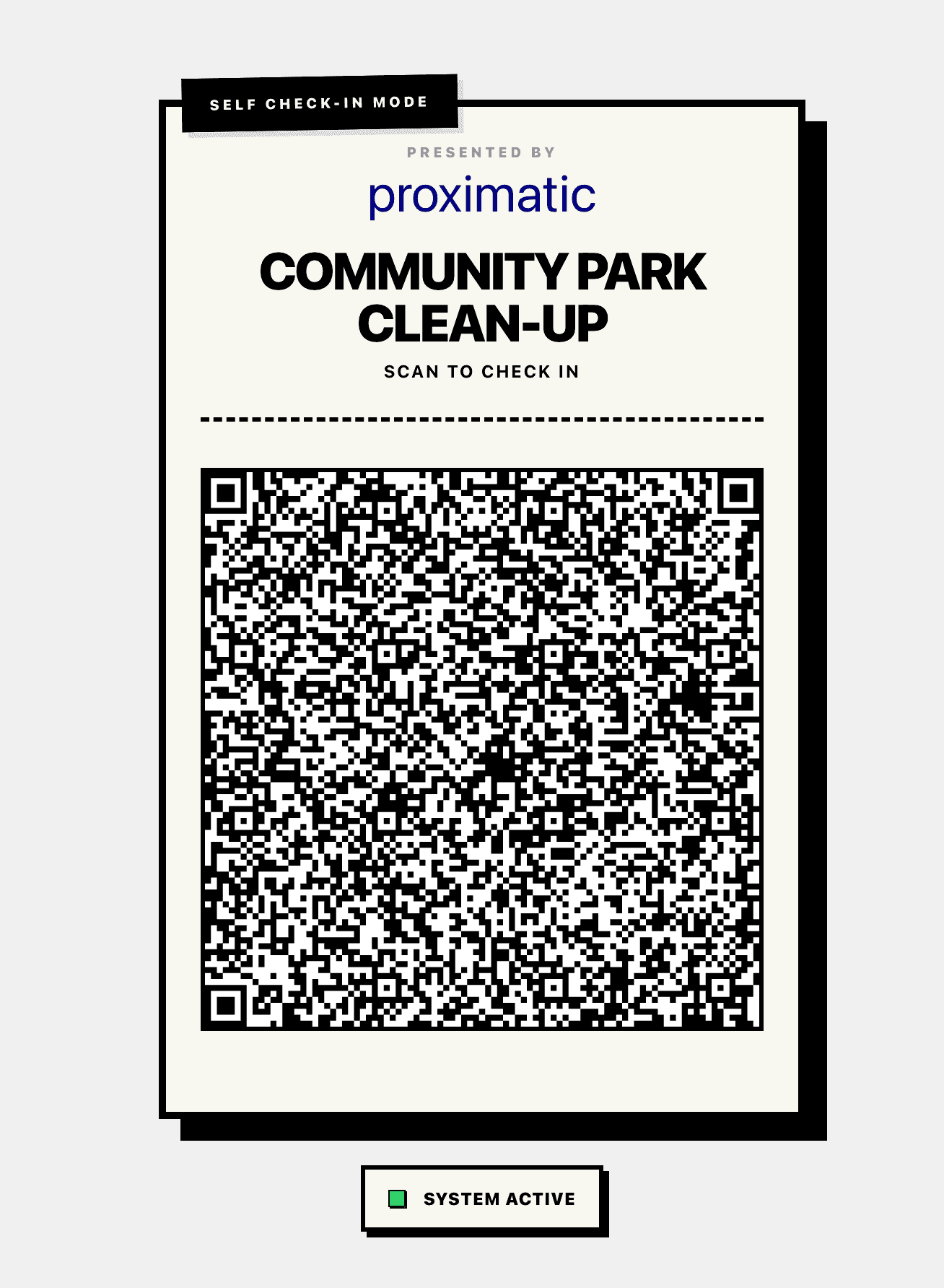
Registered people scan the event’s rolling QR to check in or out. Recorded hours stay with their assignment. If checkout is missing, attendance uses the scheduled shift or event end when finalized. An internet connection is required.
More ways to organize
Tools for the people, schedules, and details behind your event.
Verified Email
Volunteers verify their email before confirming a signup.
Donation Attribution
Completed donations retain their event, team, campaign, and supporter context.
Mobile Optimized
A responsive experience designed for field devices and personal phones.
Multi-Date Series
Create coordinated event records across selected dates. This is not automatic recurring-event generation.
Schedule Checks
Keep shifts within capacity and avoid overlapping assignments.
Attendance History
Keep check-in, checkout, and recorded hours with the event.
See how it works
Step-by-step guides for planning, scheduling, and attendance.
AI Rostering
One message starts the work
Give Proximatic your event notes, people and availability. Review the setup and roster, then approve publication, email and attendance signs.
Secure QR Attendance
Scan to check in
Display a changing QR code so registered volunteers can scan in and out during the event.
Direct Auto-Schedule
Fit shifts around availability
Assign approved team members using availability and supported rules. A successful run replaces saved assignments immediately. Review coverage and unfilled places afterward.
Scheduling Rules
Use the supported constraints
See how eligibility, availability, capacity, and relationship rules apply, including their scopes and conflict behavior.
Have an event
coming up?
Core tools are free. AI is priced per event.
The first AI-organized event is free each UTC month. Then pay $2 per event for up to 8 more; upgrade to Pro for 30 included AI-organized events. See pricing.