They signed up. Help them remember their shift.
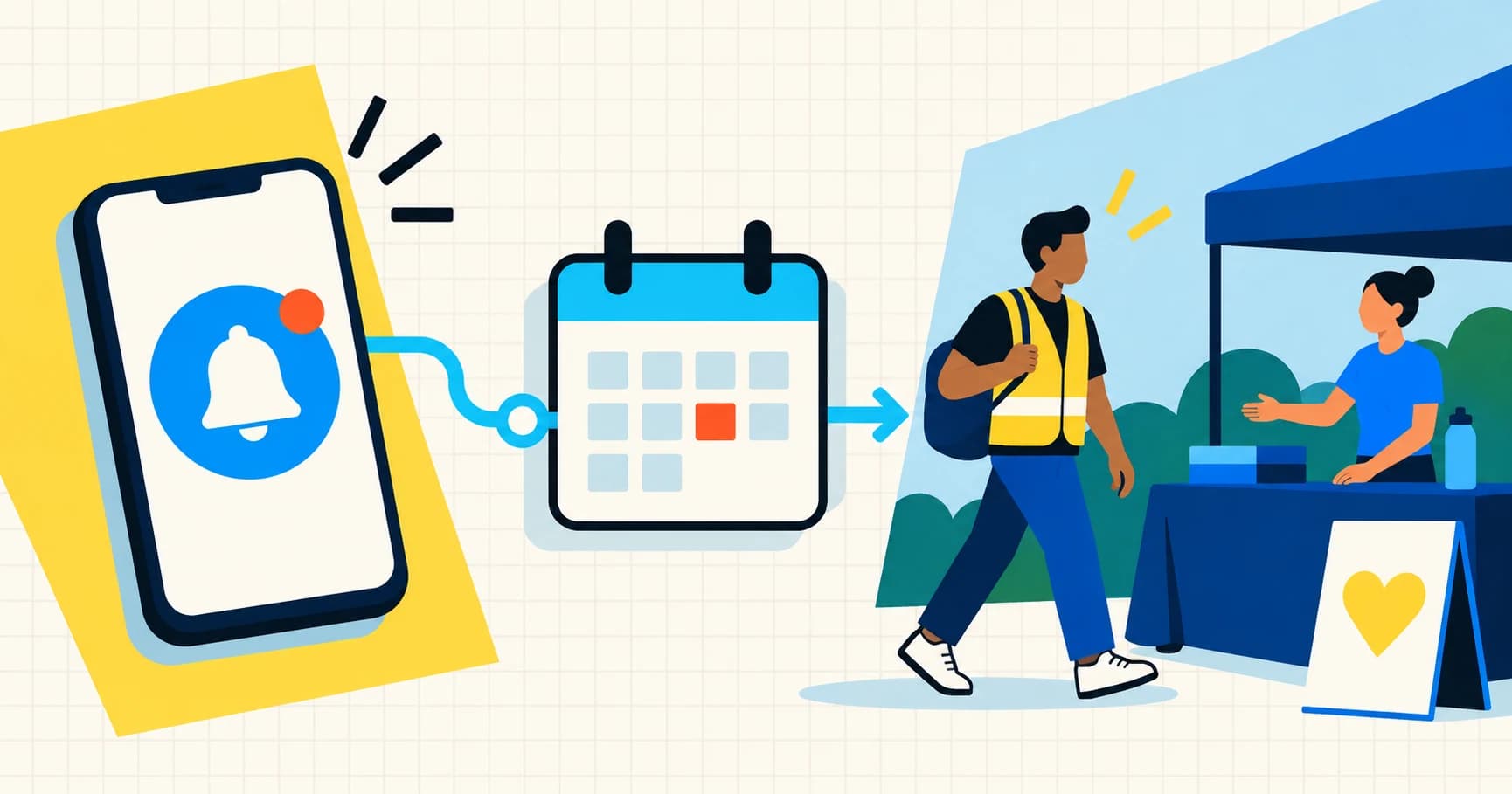
Someone signs up for a Saturday shift on Tuesday. By Thursday, their week is full of ordinary things: work, school, errands, a family message they meant to answer.
The commitment is still real. It is just no longer at the front of their mind.
That is the small gap this feature is designed to cover. Proximatic now lets volunteers choose the reminders they want for their assigned shifts: email seven days before, email four days before, and push notification 24 hours before.
The controls are opt-in and live in the volunteer's profile. New accounts start with every reminder off. A volunteer can choose email, push, both, or neither, and can change the choice later.
The reminder belongs to the shift
An event can have more than one job, time, or team. “Saturday pantry distribution” is useful context, but “Pantry distribution, 9:00 AM–1:00 PM” is the commitment a volunteer needs to remember.
Proximatic schedules each reminder from the assigned shift's stored start time. The three milestones are:
- Email — 7 days before: a longer-range planning nudge.
- Email — 4 days before: a closer check on the commitment.
- Push — 24 hours before: the short-horizon reminder on a registered device.
The choices apply across the volunteer's organizations. They are not a setting an organizer can silently change for someone else. The system rechecks the current assignment, event publication state, membership, and preference at delivery time, so an old reminder does not keep going after the commitment is withdrawn or the event is unpublished.
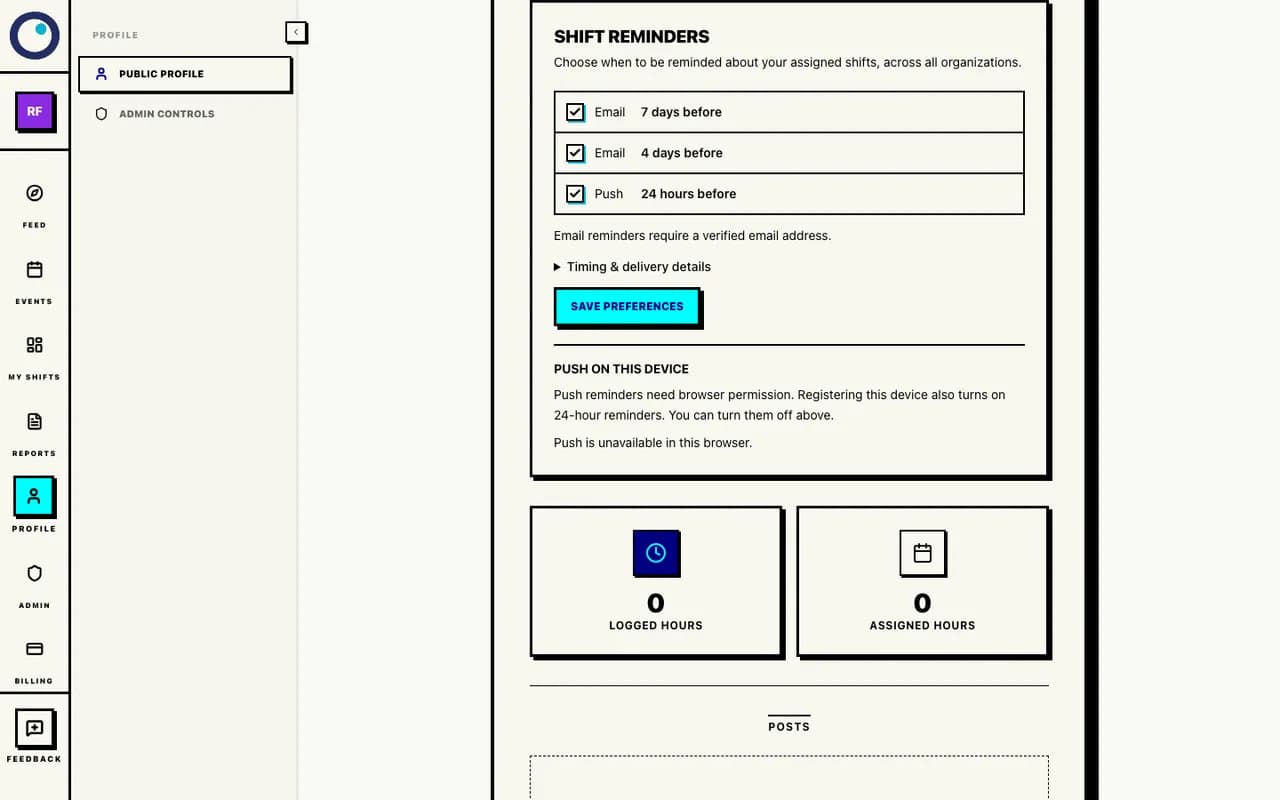
The profile controls are explicit: email at seven days, email at four days, and push at 24 hours. Screenshots use fictional example data.
Email and push are separate choices
Email is tied to a verified email address. Push has one more step: the volunteer must allow notifications in the browser and register the device. Turning on the push reminder switch does not grant browser permission; when a volunteer explicitly registers a device for push, Proximatic enables the 24-hour scheduled push reminder for that account.
That separation is intentional. A profile preference answers “should Proximatic try to send this kind of reminder?” Device registration answers “where is push allowed to go?” Keeping those answers separate makes the setting easier to understand when someone changes phones, uses a different browser, or blocks notifications.
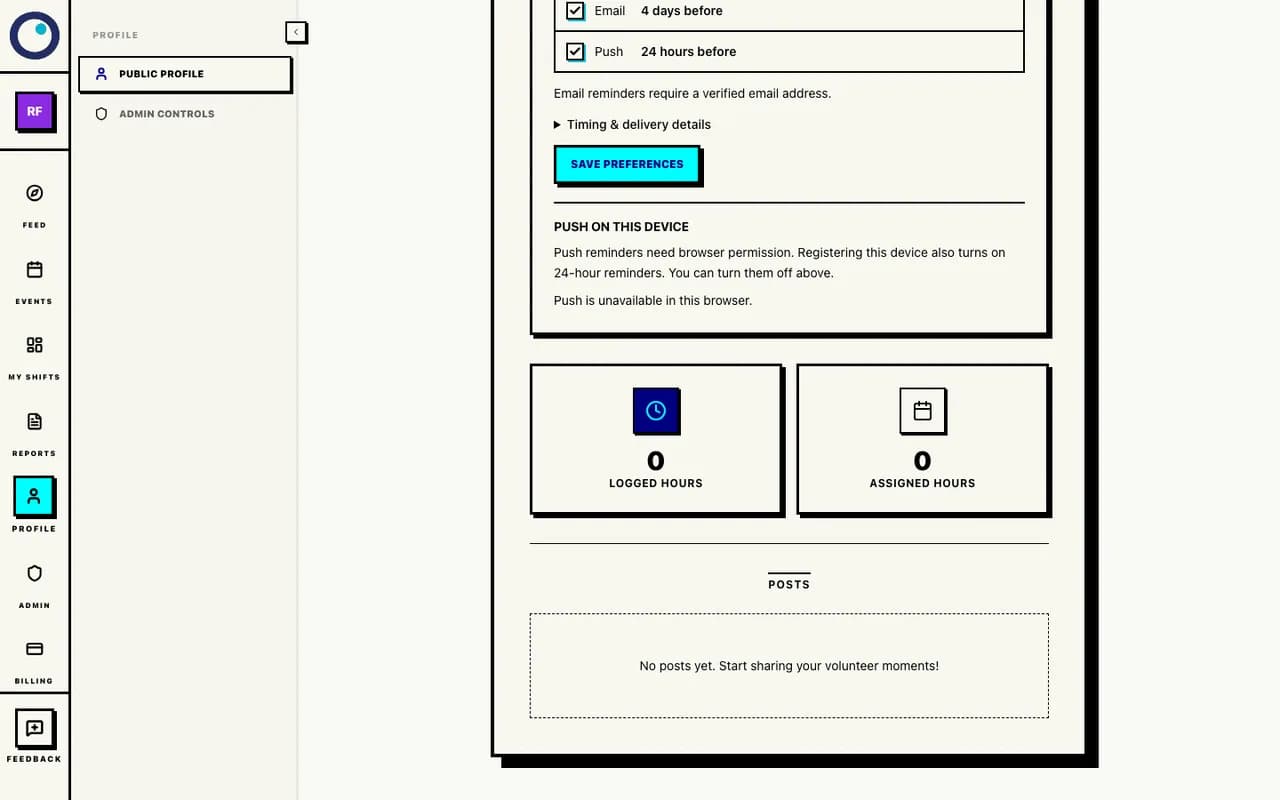
Push requires a registered device and browser permission. In this captured browser, push is unavailable; no provider message was sent.
Reminders are scheduled delivery, not a promise that a notification will appear at an exact second. Email and push providers, network conditions, browser permissions, and a person's device all sit outside the roster. The product treats the send as best effort and keeps the preference language clear about that.
A Google Form can collect interest. It cannot finish the handoff.
A Google Form is not the villain here. It can be a perfectly reasonable way to collect interest, dietary information, availability, or a first-pass volunteer list.
The trouble begins when the response is treated as the finished event operation.
After a volunteer says “yes,” someone still needs to answer:
- Which shift and role did they get?
- Is their place confirmed, pending, or full?
- What should they remember, and when?
- Which list will the welcome table use?
- How will the organizer record arrival and departure?
Those are not form questions. They are the roster and attendance workflow that follows the form.
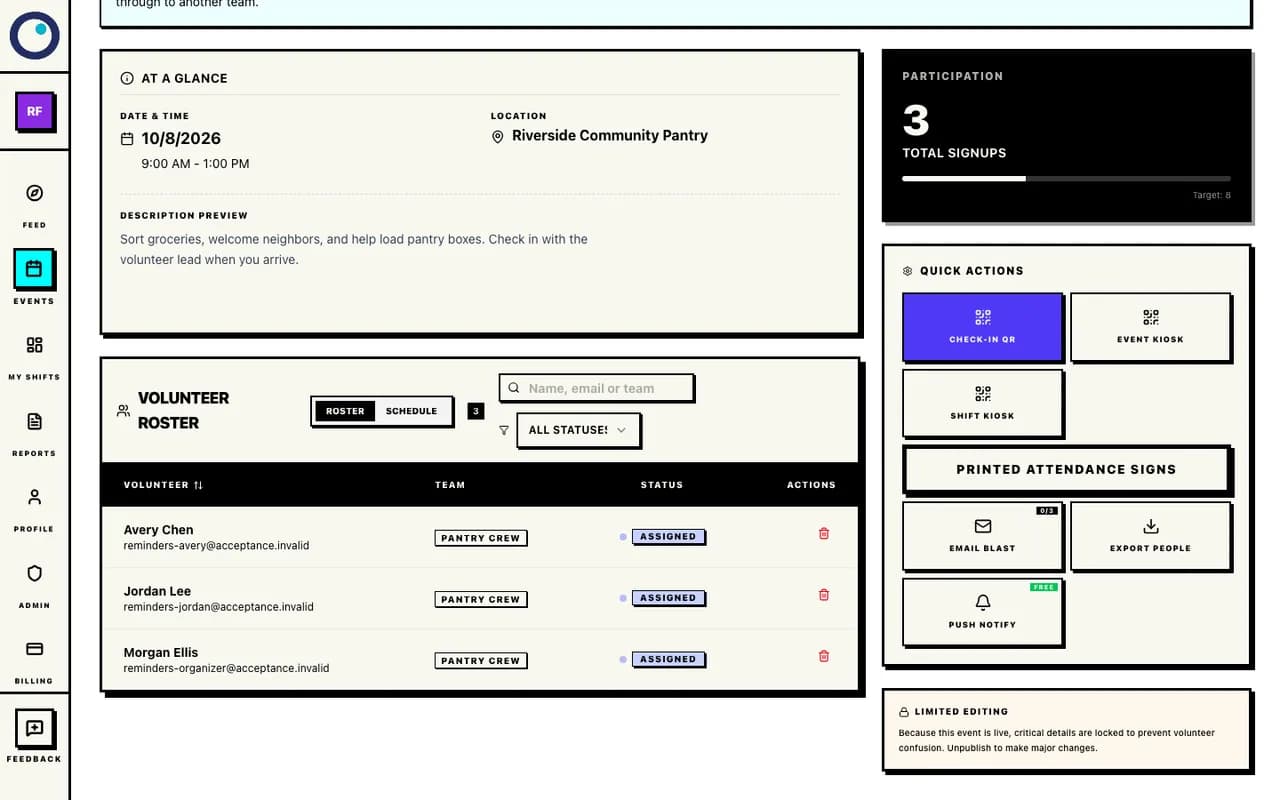
The roster is the operational handoff: people are attached to a shift and role, with a status the organizer can review. This screenshot shows assigned status only; it does not claim attendance or reminder delivery.
If a form response gets copied into a spreadsheet, then copied into a shift list, then retyped into an email, the volunteer is carrying the cost of that handoff. A reminder can be sent, but it may point to an old time, an old role, or a commitment that was never actually confirmed.
The useful question is not “Can a form collect names?” It can. The useful question is “What happens to a name after it is collected?” If the answer is a manual chain of copies, the event still needs a source of truth.
What reminders can—and cannot—do
Reminders can help someone remember a commitment they already made. They can make the next action visible early enough to plan around it. They can give a volunteer a chance to notice a conflict before event morning.
They cannot guarantee attendance. A person can miss an email, have a dead phone, lose connectivity, change plans, or simply decide not to come. The organizer still needs a clear shift description, a useful meeting point, a current roster, and an event-day check-in process.
That is why reminders sit alongside assignments and attendance in Proximatic. The reminder is one link in the chain:
signup → assignment → reminder → arrival → attendance record
When those steps live together, the volunteer sees a commitment rather than a loose response, and the organizer has one place to review what the commitment became.
Set the level that works for you
Open your profile and choose the email and push milestones that fit your attention. You can enable all three, choose one email, use push only, or leave them off. Changes apply to future reminder times; they do not create a backlog of old notices.
If you are organizing an event, make sure the shift's time and role are right before publishing. Then use the roster as the operational source of truth. Reminders help people remember the plan. The plan still needs to be clear.