The 'Swiss Army Knife' Trap: Why Your Tech Stack is a Mess
I was recently asked to look at a "tech stack" that was more like a digital junk drawer.
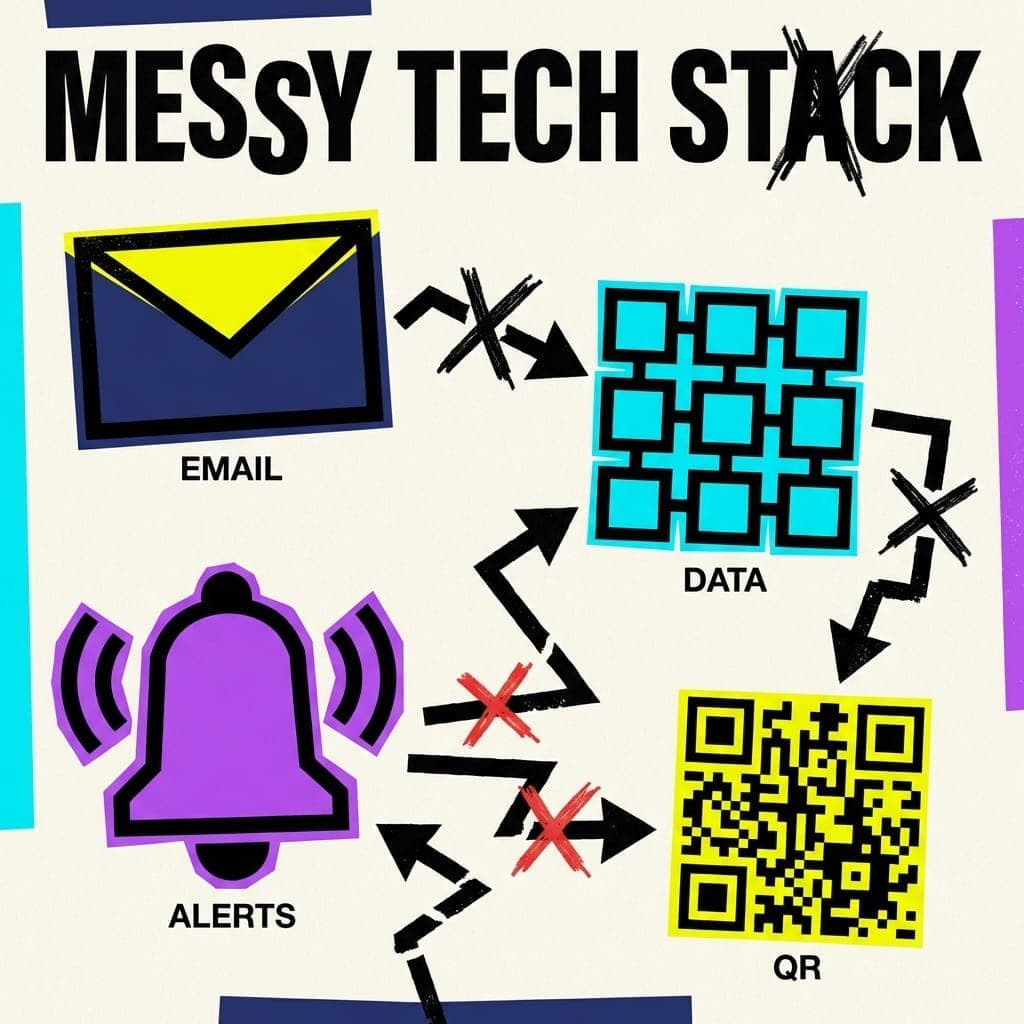
Mailchimp for newsletters, Google Sheets for data, a separate tool for notifications, another for hours, and random QR codes scattered everywhere. Every single tool is "critical," but none of them talk. It’s a disjointed, manual nightmare.
And honestly? Most organizations are living in it.
The Mistake: Software vs. Process
When things feel broken, the gut reaction is to go shopping. We find a platform with the most "feature checkboxes" and hit subscribe.
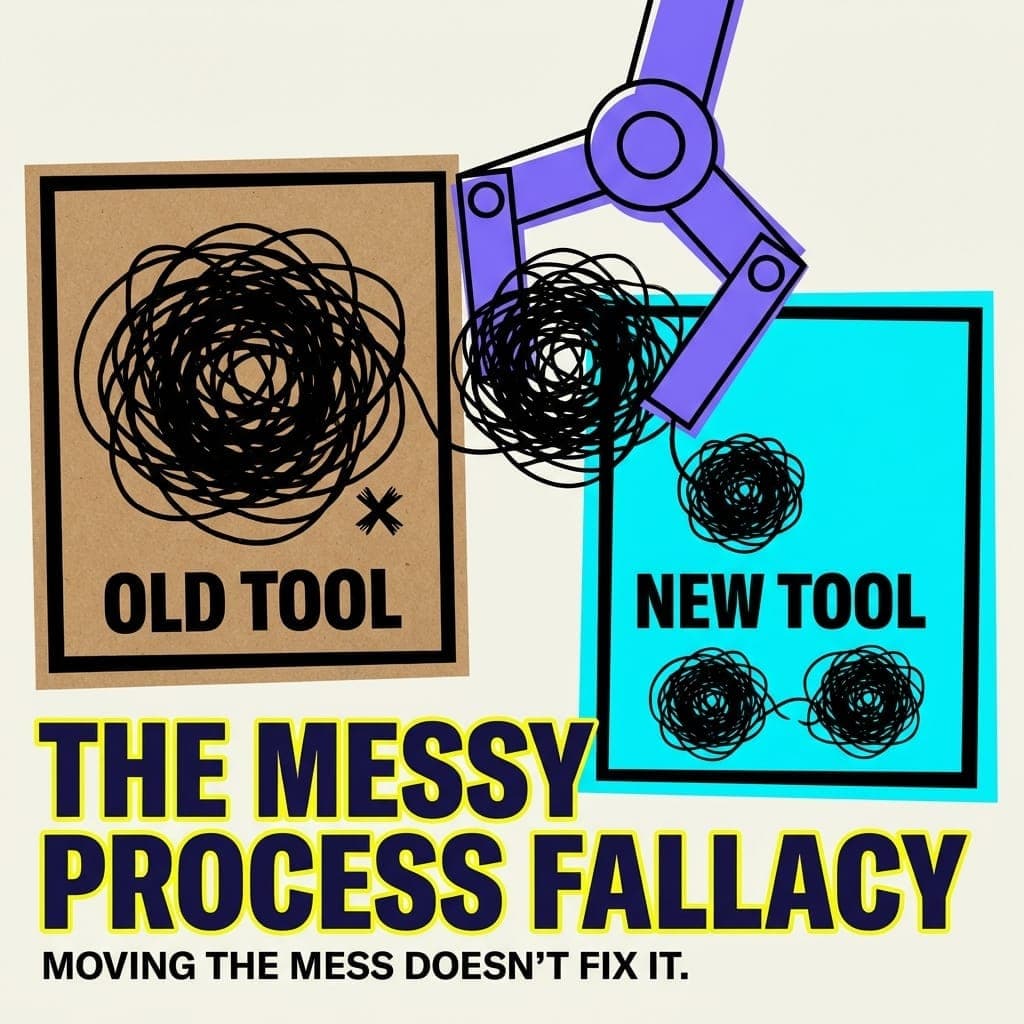
Stop. Replacing software with more software is just moving your mess into a more expensive house. Software is an implementation of a process. If you haven't defined the process, the software will define it for you—and it usually does a bad job.
The "Integration" Myth
You’ll hear people say, "Just use an automation tool to link them!"
But here’s the truth: most "no-code" automation platforms are a trap. To get any real power out of them, you practically need a computer science degree. You end up wrestling with logic gates, API keys, and data mapping. Suddenly, you aren't running your organization anymore—you’re a full-time amateur systems integrator.
The Custom Software Trap
On the flip side, building custom software from scratch is a massive mistake. Every organization has a "secret sauce"—those custom processes that actually work. But unless you're a software house, "custom" usually means "expensive to build and impossible to maintain."
So, Where Do You Actually Start?
If you’re drowning in a sea of apps, don't look for a new one. Start with a whiteboard, not a web browser.
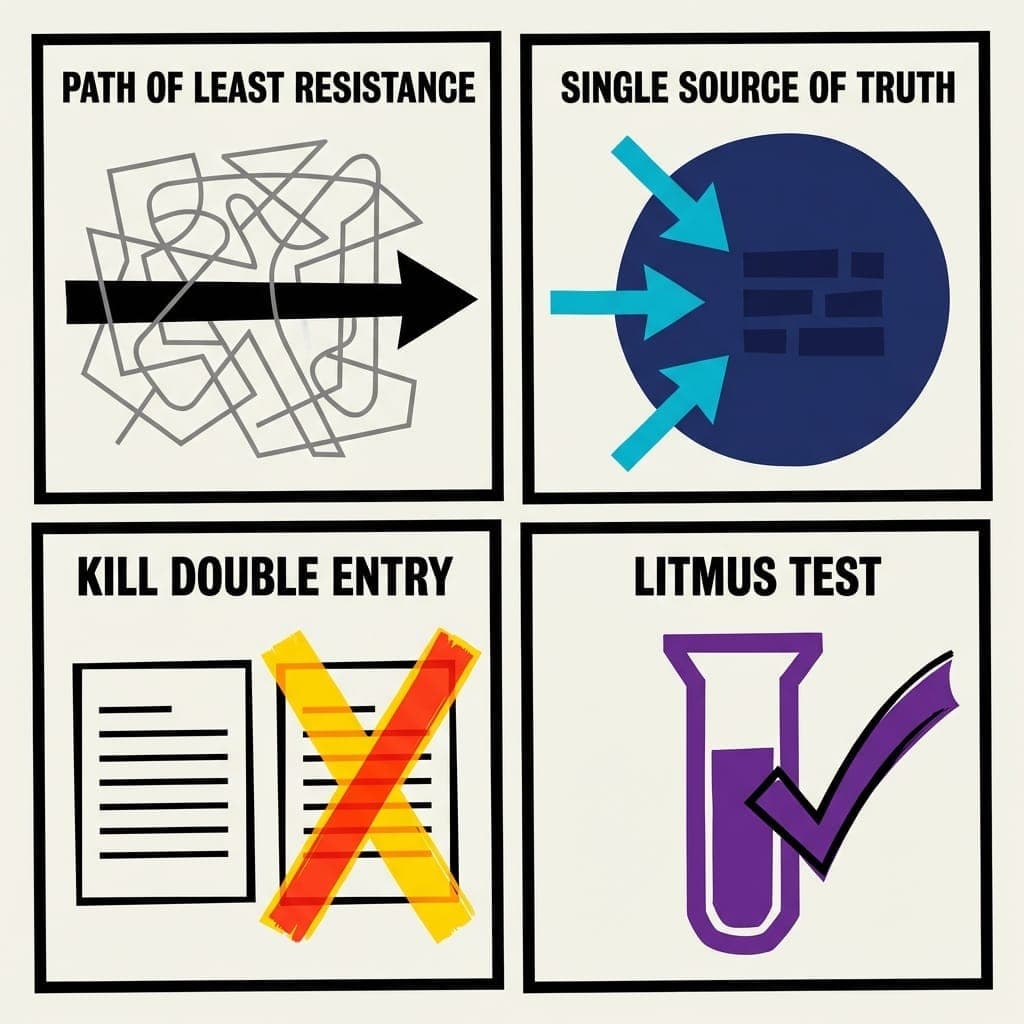
- Map the "Path of Least Resistance": Forget the apps. Write down the ideal journey from a person being "interested" to "fully engaged." If it takes six emails and three different forms, your process is the problem, not the software.
- Identify the "Single Source of Truth": Pick one place where the most important data lives (usually your database or CRM). If a tool doesn’t feed that source automatically, it’s a parasite, not a partner.
- Kill the "Double-Entry": Look for the places where you are copy-pasting info from one screen to another. That is your first "automation" target.
- The Litmus Test: Ask: "Does this tool automate a headache, or does it just give me a new place to store it?" If a piece of software isn’t helping you answer how to make your specific workflow easier, it’s the wrong software. Don’t buy a better Swiss Army knife. You'll just cut yourself. Build a smooth, automated assembly line instead.
Flow over features. Every time.
Once you’ve mapped the process, check the fit. If the job is getting people signed up and checked in at an in-person event, Proximatic connects signups, volunteer roles and shifts, a confirmed roster, and day-of attendance. For AI-assisted rostering, a connected, authenticated organizer agent can take one message with event notes, a people/email list, shifts, teams, availability, and supported rules, then prepare changes for review and approval. The web Create form starts with an event brief and people already prepared in the organization. AI includes one AI-organized event free each UTC calendar month, then costs $2 for each of up to eight more. Pro is $16/month and includes 30 AI-organized events per paid month. The first Pro invoice is credited for paid AI usage in the current UTC month. Compare the flow with your whiteboard, then see AI rostering.